

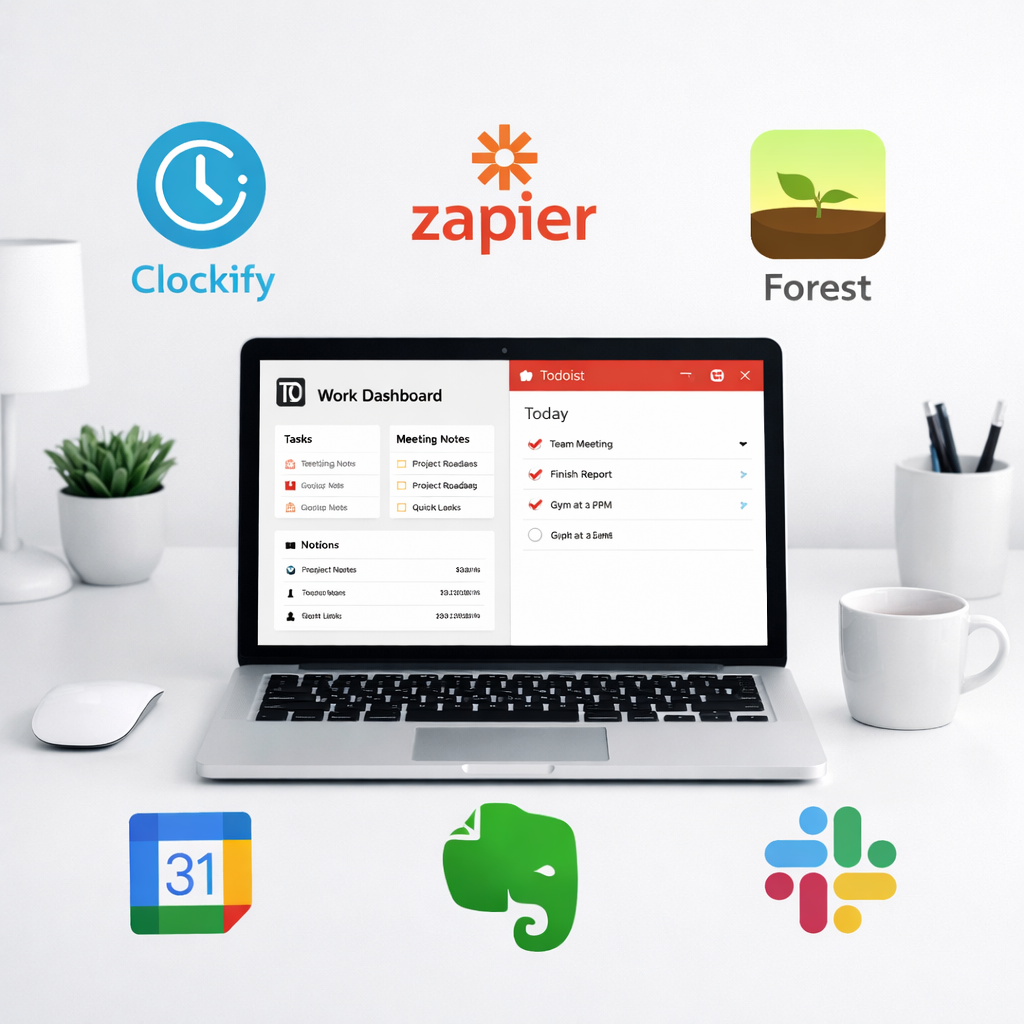
Juggling work, life, and everything in between? These essential apps will help you stay organized, productive, and in control—whether you’re running a business or just managing your week.
Introduction: Why the Right Apps Matter
In today’s hyper-connected world, the right tools can make all the difference. Whether you’re a solopreneur, part of a remote team, or simply trying to stay on top of daily life, productivity apps help streamline your workflow, automate tedious tasks, and keep things running smoothly. Below, we review some of the most useful daily life and business apps for 2026.
1. Notion: Your Ultimate Workspace
Notion continues to dominate as an all-in-one workspace where you can write, plan, collaborate, and organize.
- Project & task management with Kanban boards, calendars, and timelines
- Powerful database features for tracking content, sales, or clients
- Custom templates for wikis, OKRs, and personal journaling
Notion is perfect for freelancers, teams, and personal productivity enthusiasts alike.
2. Todoist: Task Management Reinvented
Todoist is a minimalist yet powerful to-do list app that helps you keep track of tasks, goals, and habits.
- Natural language input (“Submit report every Friday at 9 AM”)
- Sections and priorities for advanced sorting
- Project sharing and productivity streaks for motivation
It syncs across all devices and integrates with tools like Google Calendar, Zapier, and Slack.
3. Clockify: Time Tracking Made Simple
Clockify is a free time-tracking tool ideal for freelancers, consultants, and remote teams.
- One-click timers and manual time entries
- Reporting for billable hours, clients, and productivity analysis
- Team tracking and timesheets
If you’re billing hourly or trying to analyze your time usage, Clockify is a must-have.
4. 1Password: Secure Your Digital Life
In an age of increasing cyber threats, 1Password keeps your credentials and sensitive information safe.
- Store passwords, credit cards, notes and more
- Autofill logins across browsers and apps
- Vault sharing for teams or families
The app also monitors data breaches and helps you maintain strong, unique passwords everywhere.
5. Zapier: Automate Everything
If you’re repeating tasks between apps, Zapier can automate them for you.
- Connects over 5,000 apps (Slack, Gmail, Trello, Notion, etc.)
- No-code automation with simple triggers and actions
- Multi-step workflows for advanced automation
Zapier saves time and reduces manual errors—perfect for business owners and busy professionals.
6. Forest: Stay Focused, Grow Trees
Forest uses gamification to help you stay focused—literally.
- Plant a tree when you start a task
- Stay off your phone to grow your virtual forest
- Earn coins to plant real trees via partner organizations
Great for students, remote workers, or anyone battling digital distractions.
7. Readwise: Remember What You Read
Readwise resurfaces highlights from Kindle, Apple Books, Instapaper, and more to help you retain what matters.
- Daily review emails of past highlights
- Highlight syncing to Notion and Evernote
- Reader app for distraction-free reading & note-taking
Perfect for lifelong learners, researchers, and knowledge workers.
Bonus: Personal Finance & Crypto Tracking
Given the ongoing shifts in the financial world (as discussed in recent crypto news), it’s smart to stay on top of your financial data.
NerdWallet and CoinStats
NerdWallet helps you manage personal finances, credit cards, and savings goals, while CoinStats tracks your crypto portfolio across exchanges and wallets.
Conclusion: Productivity is Personal
The best productivity app is the one that works for your workflow. Try a few, mix and match, and stick with what brings you clarity, not clutter. Whether you’re streamlining your workday or decluttering your digital life, these tools can help you create structure, save time, and reach your goals.
🚀 Ready to level up your productivity?
Read our full 2026 Productivity App Roundup and find your perfect toolkit.
💬 What’s Your Favorite App?
Let us know in the comments below—or start planning your week in Notion and see the magic for yourself.




