

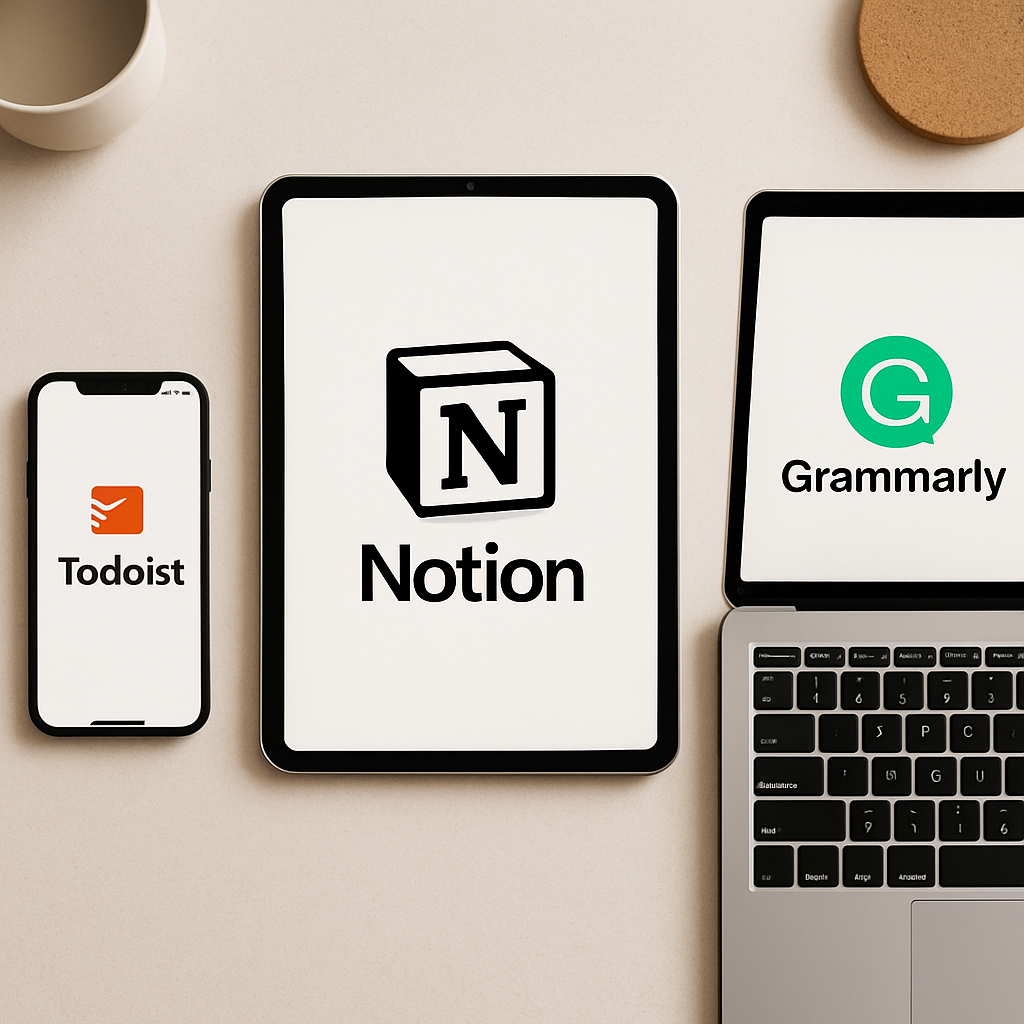
Discover powerful apps that help you streamline work, stay organized, and get more done—without burnout.
1. Todoist – Your Ultimate Task Organizer
Todoist is a powerful task manager that helps you stay on top of your personal and professional to-do lists. Whether you’re leading a team or planning groceries, Todoist makes it simple.
- Natural language input – Add tasks like “Submit report every Monday at 9am”
- Project and label organization – Perfect for managing multiple contexts
- Collaboration tools – Assign tasks to teammates or family members
Bonus: Integrates with Google Calendar, Slack, and more.
🎯 Start your productivity journey with Todoist today!
2. Notion – All-in-One Workspace for Notes, Docs & Projects
Notion combines notes, tasks, databases, and calendars in a customizable platform that adapts to your workflow.
- Build your own dashboards – Personal wikis, journals, and CRM boards
- Sync across devices – Desktop, mobile, and web
- Rich media support – Add videos, embeds, code blocks, and more
Whether you’re a solopreneur or remote team, Notion helps you stay aligned and creative.
👉 Explore Notion templates and tips on our Notion review page.
3. Grammarly – Write Confidently, Every Time
Grammarly is an AI-powered writing assistant that improves your grammar, clarity, and tone across emails, documents, and chats.
- Real-time suggestions – Fix typos and grammar on the go
- Tone detector – Make sure your emails sound professional (or friendly)
- Plagiarism checker – Great for content creators and students
It works with Gmail, Google Docs, Slack, and more via browser extensions and desktop apps.
4. Pocket – Save Articles to Read Later (Distraction-Free)
Tired of 20 open tabs? Pocket lets you save articles, videos, and web pages for offline reading across devices.
- One-click saves from browser or mobile
- Clean, ad-free reading view
- Text-to-speech mode – Listen to saved articles on the go
Perfect for staying informed without the noise of social media.
5. Notion Calendar (formerly Cron) – Smarter Time Blocking
Notion Calendar is a sleek calendar app designed for professionals who manage deep work sessions and meetings.
- Time block your day visually and thoughtfully
- Connect Google and Outlook calendars
- Inline meeting notes and project links
If you’re a fan of timeboxing, this one’s a game changer.
6. Zapier – Automate Repetitive Business Tasks
Use Zapier to connect your favorite apps and automate workflows—no coding needed.
- Thousands of integrations – Slack, Trello, Gmail, and more
- Multi-step workflows – Build complex automations with ease
- Conditional logic – Trigger actions based on filters and rules
Save time and reduce errors by letting your apps work together in sync.
🚀 Ready to automate your week? Browse our Best Zaps for 2026 guide.
Conclusion: Simplify, Automate, and Focus
In a world full of distractions and tools that overcomplicate things, these six apps stand out for their simplicity and power. Whether you’re organizing tasks, writing better emails, or automating business workflows, there’s never been a better time to up your app game.
Take charge of your day—one app at a time.
💡 Want more app reviews like this? Subscribe to our productivity newsletter for weekly picks!




