

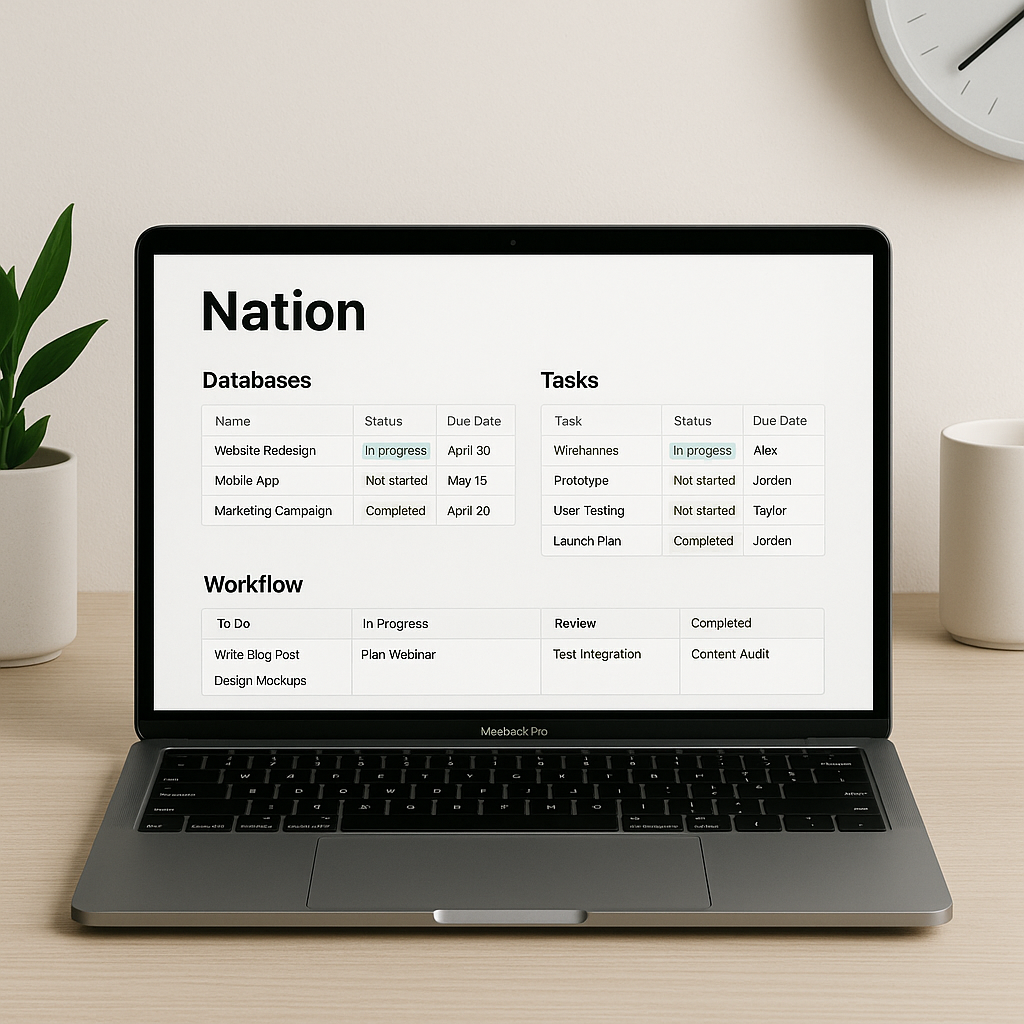
Struggling to keep projects, notes, and tasks organized across your team or business? Learn how Notion can centralize your workflows and boost your productivity with built-in and third-party automations.
Why Notion Is a Game-Changer for Productivity
In the crowded world of productivity apps, Notion stands out as a versatile workspace combining notes, documents, tasks, databases, and collaboration tools—all in one place. Whether you’re a solopreneur, a startup, or part of a distributed team, Notion provides the flexibility to build a productivity system that suits your unique needs.
Core Features That Streamline Workflow
- Databases: Create custom tables, boards, or calendars to track anything—from content planning to client onboarding.
- Templates: Use or create templates for repetitive tasks like meeting notes, OKRs, or weekly planning.
- Team Collaboration: Share pages, assign tasks, comment inline, and set permissions easily.
- Cross-device Sync: Access your workspace anywhere via desktop, web, or mobile apps.
Productivity Workflows You Can Build in Notion
1. Weekly Planning Dashboard
Create a dashboard that integrates your calendar, weekly tasks, focus goals, and meeting links. Here’s a free weekly planner template to get started.
2. Content Production Pipeline
If you’re managing a blog, YouTube channel, or podcast, track your content lifecycle—from idea to publish—using a kanban-style board. Add properties like status, deadline, assignee, and platform.
3. Knowledge Hub for Teams
Build an internal wiki with SOPs, onboarding docs, and project guidelines. Link databases to keep everything connected and searchable.
Automating Tasks in Notion
While Notion doesn’t have native automation (yet), you can supercharge it using third-party tools like:
- Zapier: Connect Notion with over 2000+ apps to automate tasks like adding new form submissions to your content database or sending Slack alerts for updates.
- Automate.io: Similar to Zapier, with pre-built workflows tailored for Notion users.
- Make (Integromat): Great for advanced users who want to build complex multi-step workflows with precise logic.
- Notion2Sheets: Sync Notion databases with Google Sheets in real-time for reporting or analytics.
Example Automation: Turn Form Submissions Into Tasks
Here’s a simple Zapier automation:
- Trigger: New submission in a Typeform (or Google Form)
- Action: Create a new page in a Notion database with the form data
This is incredibly useful for lead capture, support tickets, or client onboarding.
Tips for Scaling with Notion
- Use Relations and Rollups: Connect multiple databases to reflect real-world dependencies, like linking projects to clients or tasks to goals.
- Set Up Views: Filter and sort databases by team member, due date, or status to reduce clutter.
- Regular Reviews: Schedule weekly reviews to archive completed tasks and refine systems.
Limitations to Be Aware Of
While powerful, Notion has a few limitations:
- No offline editing (only view mode works offline)
- Slow performance for very large databases
- No real-time collaboration like Google Docs (yet)
However, these are constantly improving as the platform matures.
Pricing and Plans
Notion offers a free plan with generous features, but the Plus ($8/user/month) and Business plans unlock collaboration tools, advanced permissions, and admin controls that teams will find essential.
Start Building Your System
Whether you’re building a second brain or managing a multi-person team, Notion adapts to how you think and work. Start with a simple setup and evolve as your needs grow.
📌 Want to get started fast? Grab this free Notion productivity template bundle and customize it to your workflow.
💡 Pro Tip: Use the Notion Web Clipper to save articles, ideas, and bookmarks directly into your workspace and tag them for later action.
Final Thoughts
Notion is more than just a note-taking app—it’s a flexible productivity engine that lets you build exactly what you need. With the right workflows and integrations, you can automate busywork, stay organized, and focus on what matters most.
🚀 Ready to boost your productivity? Create your free Notion account today and start building your custom workspace!




