

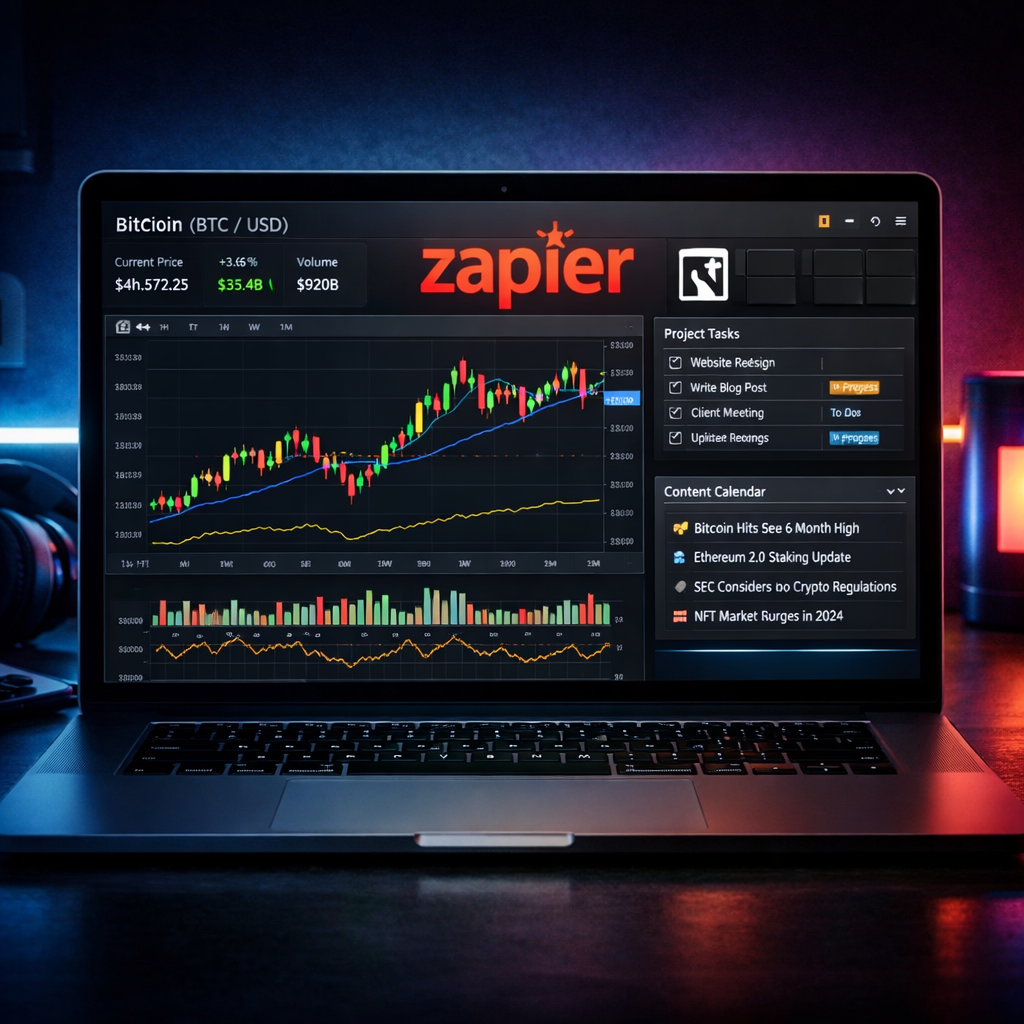
Stop wasting hours tracking Bitcoin trends manually—here’s how to build an automated crypto market dashboard using tools you already love.
Why Manual Crypto Tracking is Killing Your Productivity
Whether you’re a trader, investor, or analyst, staying updated on Bitcoin price movements, altcoin performance, and regulatory developments is crucial. But doing it manually? It’s a guaranteed productivity drain. Constantly switching between TradingView charts, Twitter feeds, and news sites like CryptoSlate can fragment your focus and eat up your day.
The Solution: Automate Bitcoin and Altcoin Monitoring
You can dramatically increase your efficiency by combining Notion, Zapier, and TradingView. In this tutorial, you’ll learn how to:
- Create a centralized Notion dashboard for real-time crypto insights
- Use Zapier to automate news updates from CryptoSlate
- Integrate TradingView alerts to track price thresholds like Bitcoin’s $81,000 floor
Step 1: Set Up Your Notion Crypto Dashboard
Start by creating a new page in Notion and structure it with the following components:
- Price Tracker Database: Columns for Token, Price, % Change, and Alert Notes
- News Feed: Embed a synced database for daily headlines
- Sentiment & Regulations: A column to log major policy shifts like the CLARITY Act
Use Notion’s built-in API or third-party tools like Notion API Connector to allow data pulls via Zapier.
Step 2: Automate News Updates from CryptoSlate with Zapier
Go to Zapier and create a new Zap with:
- Trigger: RSS Feed → Use CryptoSlate’s Bitcoin or Altcoin tags
- Action: Notion → Create Database Item (populate fields like Title, URL, Summary)
This instantly pushes relevant headlines—like Bitcoin liquidation events—into your dashboard.
Step 3: Configure TradingView Alerts for Price Thresholds
Head over to TradingView and set alerts for major price levels. For instance, if Bitcoin drops below $81,000 (a key floor mentioned here), you want to know instantly.
- Go to the BTC/USD chart
- Right-click at $81,000 and select “Add Alert”
- Configure the alert condition and delivery (email, webhook, or mobile push)
To connect this back to Notion, use TradingView’s webhook URL and point it to a Zap that creates or updates a Notion database entry.
Bonus: Add Institutional Demand Signals
Track institutional flows by watching ETF AUM stats using tools like BlackRock’s iShares Bitcoin Trust. Create a custom Google Sheet that updates daily and syncs with Notion using Zapier’s Google Sheets integration.
Final Workflow Summary
✅ One dashboard in Notion for charts, news, and ETF flows
✅ Zero manual tracking thanks to Zapier and TradingView alerts
✅ Macro + Micro perspective including legislation, market structure, and technical indicators
Upgrade Your Workflow Today
If you’re serious about investing or working in the crypto space, this automated workflow can save you hours every week. Focus on strategy, not screen time.
🚀 Try Zapier for Free and begin automating in less than 10 minutes.
Want this setup as a Notion template? Download the ready-to-use dashboard here.




