

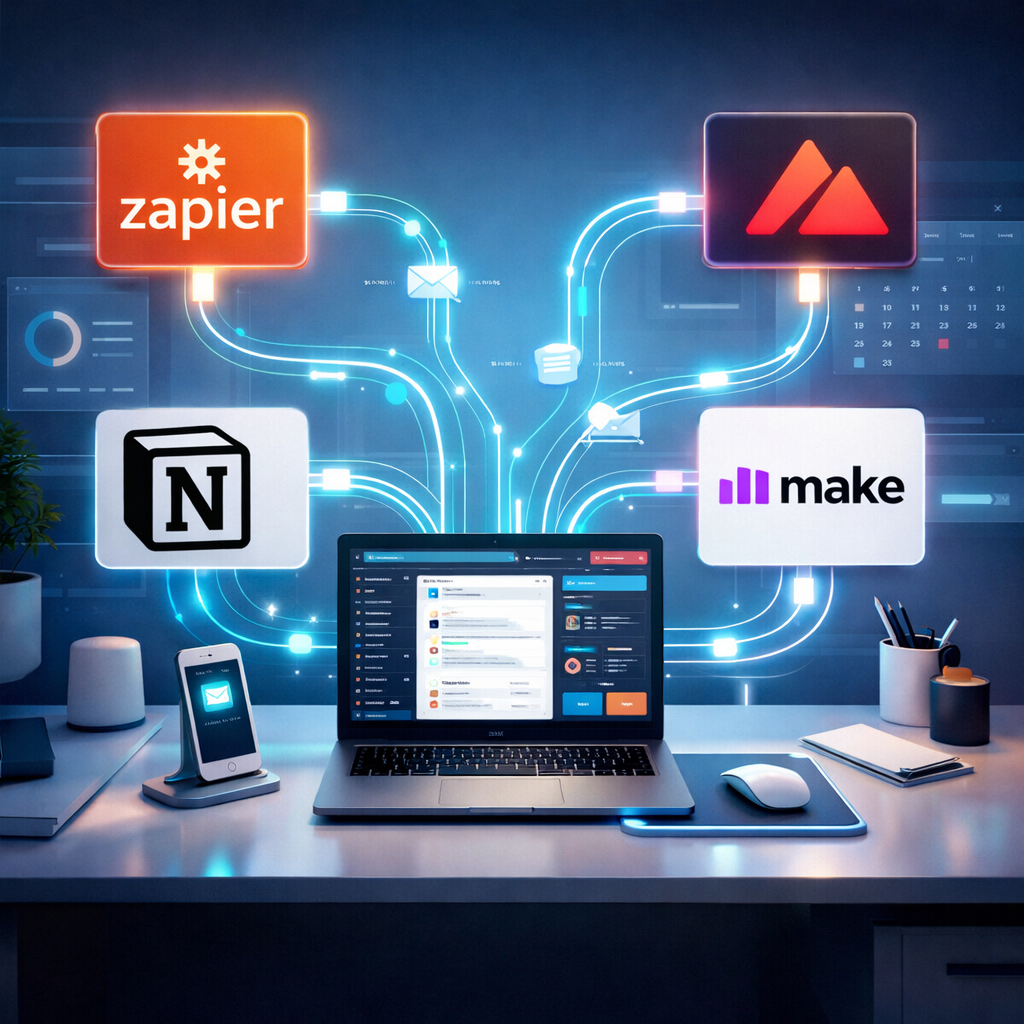
Tired of repetitive tasks eating up your time? Discover five powerful tools that will automate your workflow and give you back hours each week.
Why Task Automation Matters More Than Ever
In 2026, productivity isn’t just about working hard — it’s about working smart. With increasing digital demands, automation has become the secret weapon of high-performing teams and individuals. Whether you’re a freelancer, startup founder, or corporate project manager, automating the right parts of your workflow means less context switching, fewer errors, and faster results.
1. Zapier: The Automation Backbone
Zapier connects your favorite apps (think Gmail, Slack, Trello, Google Sheets, and over 5,000 more) to create no-code automations called “Zaps.” For example, you can:
- Automatically save email attachments to Google Drive
- Post new blog entries to social media
- Create Trello cards from new Typeform submissions
Zapier also supports conditional logic with its Paths feature, making complex workflows more intelligent and flexible.
💡 Pro Tip: Use Zapier + ChatGPT integration to summarize meeting notes automatically.
2. Make (formerly Integromat): Visual Workflow Builder
If you’re looking for even more customization and visual control than Zapier, Make is your tool. It features a drag-and-drop interface that visualizes data flow across apps, with router modules to branch logic paths.
You can:
- Auto-generate PDF invoices when a Stripe payment comes in
- Scrape data from websites and pipe it into Airtable
- Send AI-generated Slack updates based on stock price changes
Make is perfect for power users who want to build complex, multi-step automations with logic and scheduling.
3. Notion + Automations: All-in-One Workspace with AI
Notion has evolved from a note-taking app into a supercharged productivity hub with integrated AI, database logic, and automation support via tools like Zapier and Make.
Example workflows:
- Auto-add new Zoom calls to your Notion calendar
- Summarize meeting notes with Notion AI after syncing from Google Docs
- Trigger Slack reminders based on Notion task due dates
Notion is also introducing native automation features in 2026 with triggers and actions within your workspace — no external tools needed.
4. Raycast: Lightning Fast Desktop Automation
For macOS users, Raycast offers a Spotlight-style interface that lets you launch apps, run scripts, and even send emails — all via keyboard.
Top use cases include:
- Triggering shortcuts like “Start Workday” (open apps, log time, play focus music)
- Running custom scripts like batch-renaming files
- Looking up Jira tickets or GitHub issues instantly
For developers and advanced users, Raycast also supports extensions and custom integrations with APIs — making it a powerful local automation tool.
5. Pipedream: Code-Based Automation for Developers
If you’re technical and want more control, Pipedream enables event-driven workflows using JavaScript or Python. It supports thousands of APIs and is great for:
- Webhook-based notifications
- Real-time data transformations
- Serverless backend tasks (e.g., sending emails, scraping websites)
Pipedream is ideal when Zapier or Make feels too limited — and it’s free for generous usage tiers.
How to Choose the Right Automation Tool
Here’s a quick guide based on your needs:
| Use Case | Recommended Tool |
|---|---|
| Simple, no-code automation | Zapier |
| Complex logic with visuals | Make |
| Integrated workspace | Notion |
| Keyboard-based desktop automation | Raycast |
| Developer-focused API tasks | Pipedream |
🔁 Real-World Workflow Example
Let’s say you’re a content creator managing your publishing pipeline:
- Use Notion to organize editorial calendars
- Create a Zap to auto-post approved articles to Twitter and LinkedIn
- Trigger a Make scenario to send article analytics to Google Sheets
- Use Raycast to open your writing environment with one command
- Run a Pipedream script to scrape trending topics for ideation
That’s a seamless, end-to-end automated workflow — freeing up your brain for creative work.
🚀 Want to Build Your First Automation Today?
Start here with Zapier’s beginner guide or explore Notion’s automation help center to get inspired.
📩 Need Help Designing Your Workflow?
Subscribe to our free weekly newsletter, Automation Unlocked, where we break down new tools, tips, and templates every Sunday.
Final Thoughts
Time is your most valuable asset. With the right automation tools, you can eliminate digital friction and do more with less. Whether you’re running a business or managing your side hustle, mastering these tools will make you future-proof in a world of accelerating complexity.
Now it’s your turn: Which tool will you try first? Let us know in the comments!




