

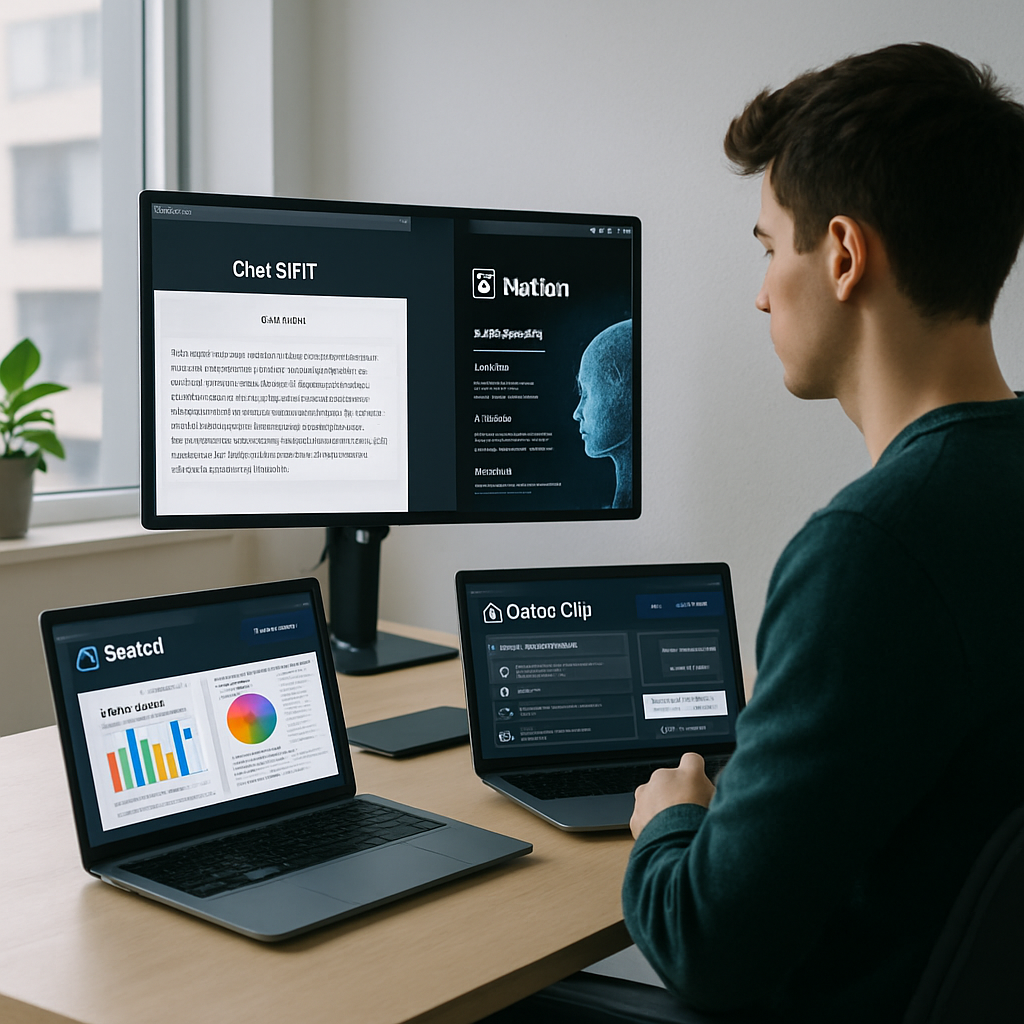
Struggling to keep up with your tasks, content deadlines, or digital clutter? These AI tools can automate the grind and elevate your creativity.
Why AI is the Productivity Partner You Didn’t Know You Needed
In a world where every second counts, AI tools have evolved from novelties to necessities. Whether you’re an entrepreneur, writer, marketer, or student, integrating AI into your workflow can eliminate repetitive tasks, spark creative breakthroughs, and free up mental bandwidth for what really matters.
Let’s dive into five AI tools that are transforming productivity and creativity in 2026—and how you can start using them today.
1. Notion AI: Your All-in-One Thinking Partner
Notion AI is no longer just a note-taking add-on. It’s a full-featured productivity assistant capable of generating content, summarizing meeting notes, writing code snippets, and even brainstorming marketing angles.
- Use Case: Auto-generate meeting minutes or summarize research articles into key takeaways.
- Bonus Tip: Ask Notion AI to create a task list from your meeting notes in one click.
Perfect for: Project managers, content creators, startup teams.
2. Gamma: From Prompt to Presentation in Minutes
Gamma is the ultimate AI tool for turning ideas into polished presentations—without PowerPoint. Just enter a topic or paste in notes, and Gamma will build a beautiful, responsive slide deck that’s ready to share.
- Use Case: Share investor decks, marketing plans, or internal reports in a modern format.
- Bonus Tip: Combine with ChatGPT to generate the outline first, then use Gamma to visualize it.
Perfect for: Founders, remote teams, consultants.
3. Opus Clip: AI Video Repurposing for Social Media
Creating short-form video content is time-consuming—unless you use Opus Clip. This smart tool takes long videos (like webinars or interviews) and automatically clips out viral-ready segments with subtitles, emojis, and captions.
- Use Case: Repurpose YouTube or Zoom videos into TikToks, Reels, or LinkedIn posts.
- Bonus Tip: Use the “Viral Score” feature to prioritize clips that resonate best with audiences.
Perfect for: Creators, marketers, educators.
4. Magical: Automate Typing and Data Entry with Text Shortcuts
Ever type the same thing over and over again? Magical lets you create keyboard shortcuts that instantly fill in repetitive phrases, email templates, and form fields.
- Use Case: Fill leads into your CRM, respond to FAQs, or send templated outreach messages.
- Bonus Tip: Combine with LinkedIn to rapidly personalize and send connection requests.
Perfect for: Sales professionals, recruiters, customer support reps.
🚀 Want to save 10+ hours a week with automation?
Try Zapier to connect your favorite AI tools and apps—no code needed.
5. ChatGPT (with GPT-4 Turbo): Your Swiss Army Knife for Everything
This list wouldn’t be complete without ChatGPT, especially its latest GPT-4 Turbo release. With custom GPTs and a memory function, it acts more like a true AI assistant than ever before.
- Use Case: Write blog posts, debug code, create marketing funnels, or simulate customer personas.
- Bonus Tip: Use the built-in browser tool to fact-check or research live data in real-time.
Perfect for: Literally anyone with a keyboard.
How to Combine These Tools for Maximum Impact
Here’s a sample AI-powered workflow:
- Use ChatGPT to brainstorm blog topics or generate outlines.
- Draft the post in Notion AI with inline suggestions and formatting.
- Turn the post into a slideshow using Gamma for LinkedIn or investor updates.
- Create short video summaries using Opus Clip for Instagram Reels.
- Set up Magical shortcuts to share links or respond to DMs instantly.
Pro tip: Add Zapier to the mix to automate file handoffs, emails, or calendar updates between these tools.
🔥 Ready to build your own AI tech stack?
Join our free email course: AI Productivity Bootcamp and get weekly tips, tutorials, and tool stacks straight to your inbox.
Conclusion: AI is Not Replacing You. It’s Empowering You.
Adopting AI doesn’t mean giving up control—it means amplifying your strengths. From writing to scheduling to content creation, these tools are designed to help you do more, faster, and better.
Start small, automate one task, and build from there. The future isn’t just about AI—it’s about humans working alongside AI.




