

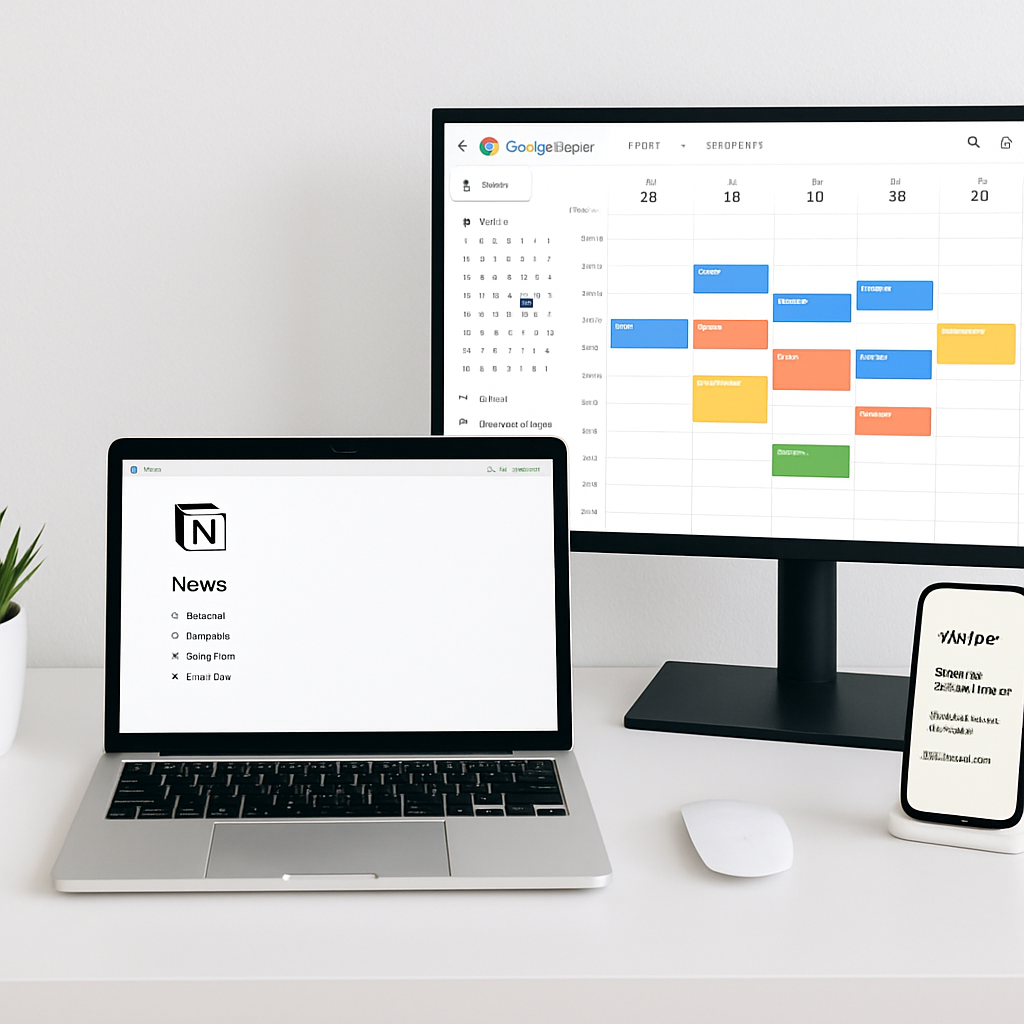
Feeling overwhelmed by repetitive tasks and scattered to-do lists? Learn how to build a seamless productivity system using tools you likely already use.
Why Workflow Automation Matters
In a world full of digital noise, streamlining your workflow isn’t just a luxury — it’s a necessity. Automating routine tasks saves you time, reduces decision fatigue, and frees up mental bandwidth to focus on strategic work. With the right tools, you can build a custom system that runs in the background while you focus on what truly matters.
The Tools We’ll Use
- Notion – Your central hub for notes, tasks, and dashboards
- Zapier – The automation engine connecting your apps
- Google Calendar – Your go-to scheduling tool
Step-by-Step: Automate Your Daily Workflow
1. Structure Tasks in Notion
Set up a Notion database called “Daily Tasks.” Include properties like:
- Task Name
- Due Date
- Status (To Do, In Progress, Completed)
- Project (Optional)
Make sure your Notion workspace is connected to Zapier.
2. Send Tasks to Google Calendar
Set up a Zap in Zapier:
- Trigger: New item in Notion database (filter by status = ‘To Do’)
- Action: Create Google Calendar Event
This way, every time you add a new task in Notion, it appears as a calendar event — no need to copy-paste!
3. Get Reminders and Track Progress
Set reminders in Google Calendar so you stay on schedule. You can even use Zapier to send you an email or Slack message when a task is due soon.
4. Sync Calendar Back to Notion (Advanced)
Want to pull your daily calendar agenda into Notion? Use a tool like Notionlytics or Make.com to sync your Google Calendar events as Notion entries. This provides a unified view of your day.
Bonus Zap Ideas
- 📝 New Google Form submission → Create a Notion page
- 📧 New starred Gmail email → Create a Notion to-do
- ✅ Completed Trello card → Archive in Notion
Why This System Works
This trio — Notion, Zapier, and Google Calendar — is powerful because:
- It’s modular: Add or remove parts without breaking the system.
- It’s visual: Use Notion for kanban boards, calendars, or lists.
- It’s scalable: Whether you’re a freelancer or a team lead, this setup grows with you.
Take Your Productivity to the Next Level
If you’re serious about optimizing your time, this is just the beginning. Combine this setup with weekly reviews, Pomodoro timers, or even AI tools like OpenAI in Zapier to level up your workflows.
Ready to Build Your Own System?
Don’t just read about it — start automating today. These tools are free to start and incredibly flexible.
Final Thoughts
Automation isn’t about replacing your job — it’s about enhancing your focus and reclaiming your time. With just a few integrations, your day can go from chaotic to calm, from busy to balanced. Start simple, test what works, and iterate from there.




