

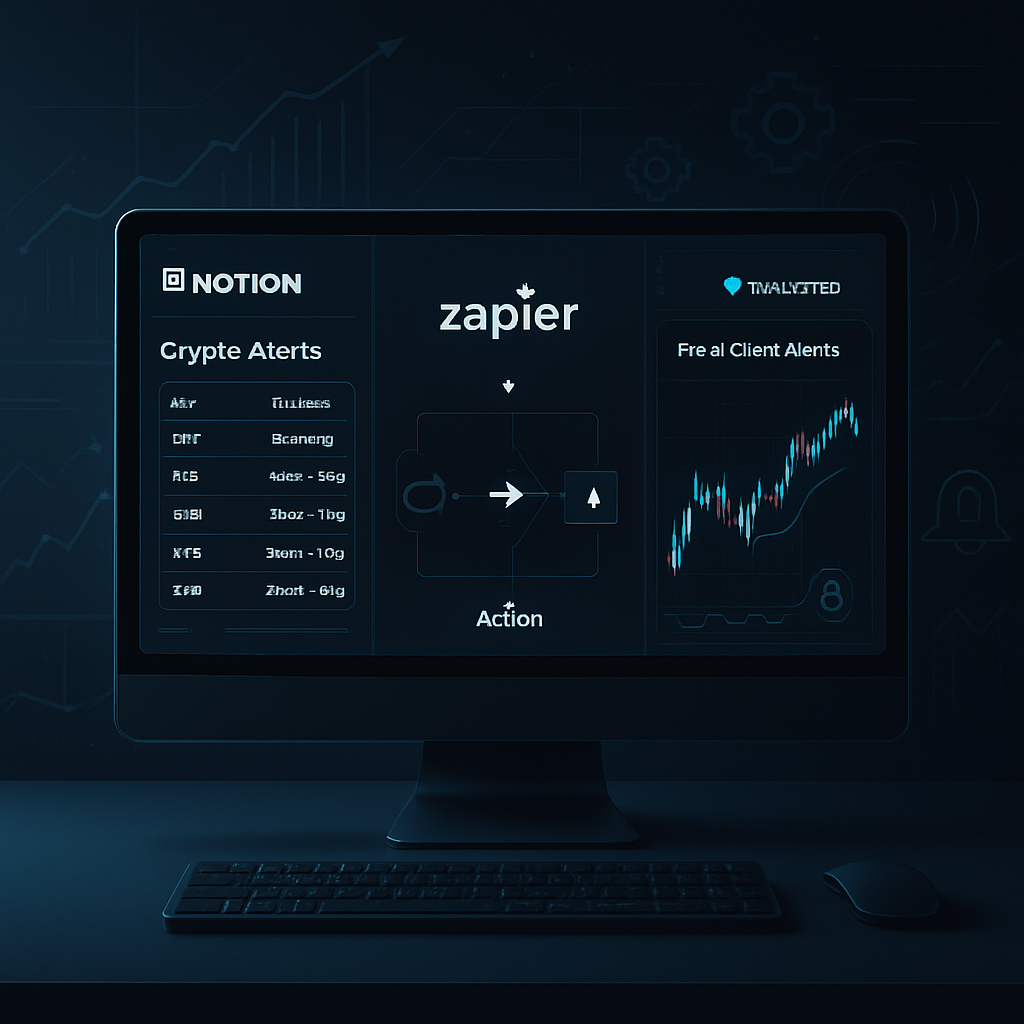
Tired of missing critical crypto market moves or SEC alerts while juggling your daily tasks? This powerful workflow turns news and on-chain data into instant, actionable insights—without opening 20 tabs.
Introduction: The Problem with Crypto Information Overload
Staying productive while tracking volatile crypto markets is nearly impossible without automation. Between sudden Bitcoin crashes, hidden SEC alerts, or massive purchases like Strategy’s $225K Bitcoin acquisition, missing the right moment could cost you thousands.
Let’s build a real-time crypto market monitoring system using Notion, Zapier, and TradingView—designed for traders, analysts, and productivity nerds who want to stay informed without the burnout.
Step 1: Set Up Your Notion Crypto Dashboard
Start by creating a Notion page called Crypto Market Monitor. Use a gallery or table view and add fields such as:
- Asset (e.g., BTC, ETH, XRP)
- Event Type (Price Alert, SEC Filing, Market Manipulation)
- Source (CryptoSlate, TradingView, etc.)
- Impact Level (High, Medium, Low)
- Timestamp
- Status (Unread, Reviewed, Acted)
This becomes your centralized knowledge base for market intelligence.
Step 2: Automate News Monitoring via Zapier
Zapier connects 5,000+ apps and is perfect for automating news digests. Here’s how to set up a Zap:
- Trigger: RSS Feed from CryptoSlate or similar news sources.
- Filter: Use keywords like Bitcoin crash, SEC, XRP, investment scam.
- Action: Create a new Notion entry in your dashboard.
Now every time an article like this SEC scam reveal drops, it will automatically appear in your Notion workspace.
Step 3: Add TradingView Alerts for Price Action
TradingView lets you create custom price alerts for any crypto asset. You can:
- Set alerts for BTC breakouts ($90K+ or drops)
- Monitor XRP’s technical setup (like this one)
Use the webhook feature to send real-time alerts from TradingView to Zapier, and then into Notion.
Pro Tip: Combine on-chain analytics from platforms like Glassnode or Nansen for deeper signals.
Step 4: Create a Daily Digest in Slack or Email
Don’t want to log into Notion every hour? Use Zapier to send a daily digest from your Notion database to:
- Slack channel for team trading updates
- Gmail for your morning read
This lets you review high-priority signals over your coffee—no panic scrolling required.
Bonus: Add a Scam Detection Layer
Scams like the WhatsApp crypto club trap are getting smarter. Use this workflow to stay ahead:
- Track SEC filings with Zapier’s email parser or RSS.
- Label anything involving “investment club,” “offshore wire,” or “loan repayment” as High Risk in Notion.
This will help you or your team vet new opportunities faster and more safely.
Why This Workflow Works
✅ Centralized: All market signals in one Notion dashboard
✅ Instant: Real-time alerts, no context-switching
✅ Custom: Tailored to your crypto watchlist and risk profile
Get Started Today
If you’re serious about crypto and productivity, this is your edge. Set it up once and make smarter, faster trading decisions going forward.
🚀 Ready to build it? Get Notion and connect it with Zapier—you’ll thank yourself during the next crash or breakout.
CTA: Want the Full Template?
Download our pre-built Crypto Monitoring Template Pack for Notion + Zapier. Includes workflows for:
- News and SEC alerts
- TradingView integration
- Scam detection classifier
Conclusion
In a week where banks collapse from silver trades, and Bitcoin crashes smack of manipulation, like this, don’t rely on Twitter or gut feeling. Build a system that works while you sleep.
Start automating your market intelligence today—and reclaim your attention.




