

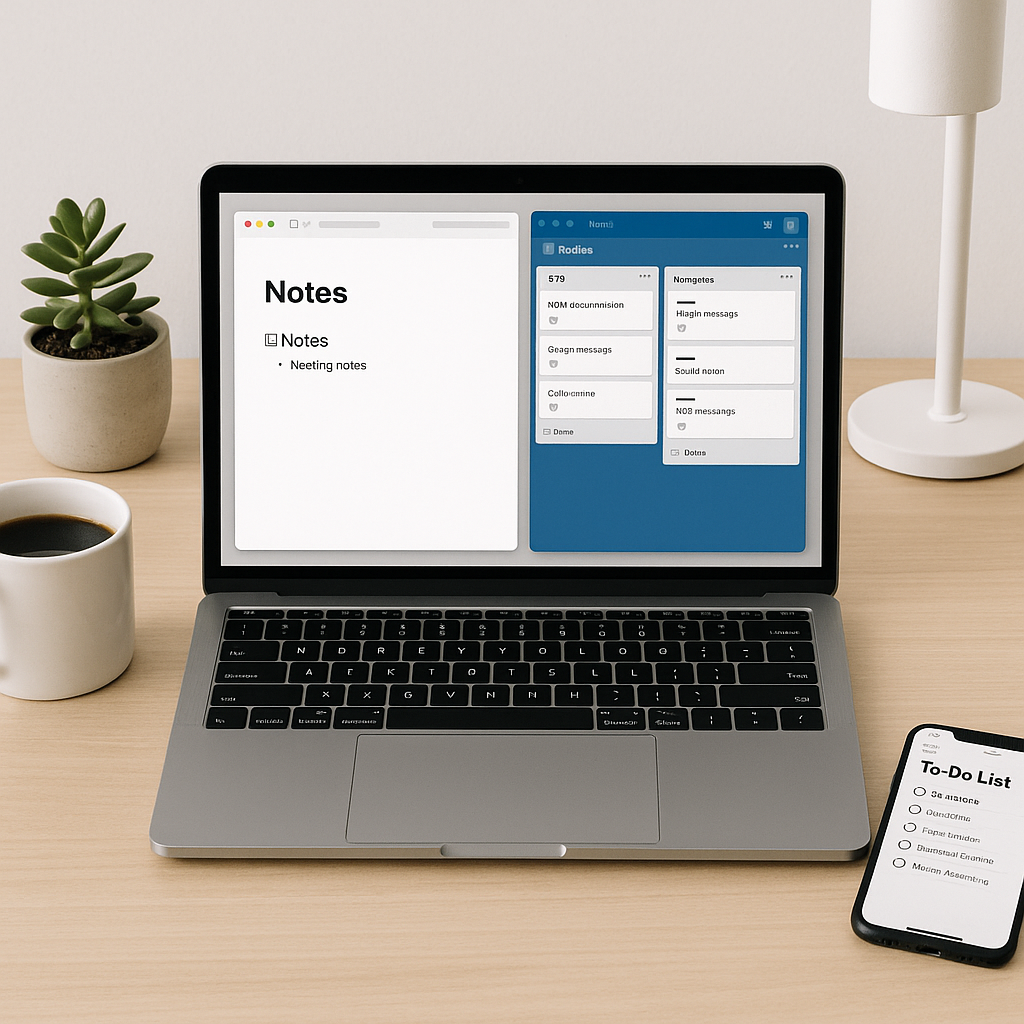
From streamlining your workday to simplifying personal tasks, these powerful apps help you stay organized, productive, and stress-free.
1. Notion — Your All-in-One Workspace
Notion is a powerful tool that combines note-taking, task management, and database functionality into one sleek interface. Whether you’re organizing your business roadmap or personal goals, Notion adapts to your workflow.
- Customizable pages for every project
- Real-time collaboration with your team
- Templates for productivity, journaling, CRM, and more
Pro Tip: Use linked databases to sync info across pages and get a holistic view of your projects.
2. Todoist — Master Your Task List
Todoist is a leading task manager that helps you keep personal and professional to-dos in one place. With smooth cross-platform syncing, it’s ideal for busy professionals.
- Natural language input like “Call client next Tuesday at 3pm”
- Priority levels and labels to stay focused
- Karma system to track your productivity habits
3. Trello — Visual Project Management
Trello uses boards, lists, and cards to help teams and individuals manage projects easily. Its visual format makes it ideal for brainstorming and tracking tasks at a glance.
- Drag-and-drop interface for intuitive updates
- Power-Ups to connect with Slack, Google Drive, and more
- Templates for sprints, content calendars, and onboarding
4. Clockify — Track Your Time and Boost Efficiency
Clockify is a time-tracking app that’s perfect for freelancers, remote workers, and teams. Whether you bill hourly or want to optimize your schedule, this app ensures you stay accountable.
- Manual & automatic time tracking modes
- Reports on time spent per project or client
- Team dashboard to oversee progress and workload
CTA: Start tracking your time today with Clockify — free forever.
5. Grammarly — Write Smarter, Anywhere
Grammarly is your AI-powered writing assistant. It checks for grammar, spelling, tone, and clarity whether you’re drafting emails, reports, or blog posts.
- Real-time suggestions inside browsers, MS Word, and Google Docs
- Tone detection for professional communication
- Plagiarism checker for original content
6. 1Password — Secure Your Digital Life
1Password helps you manage all your passwords and sensitive information in one secure vault.
- End-to-end encryption for maximum security
- Biometric login for quick access
- Watchtower alerts for compromised passwords
Pro Tip: Use 1Password to store software licenses, Wi-Fi passwords, and banking info.
7. Google Keep — Lightweight Notes on the Go
Google Keep is the easiest way to jot down ideas, checklists, and reminders. Integrated with Google Workspace, it’s a lightweight yet powerful note tool.
- Color-coded notes for better visual organization
- Voice memos and image uploads
- Location-based reminders for errands and tasks
8. Evernote — Deep Note-Taking for Professionals
Evernote is ideal for researchers, writers, and professionals who need to organize complex information.
- Web clipper to save articles and images
- Tagging and notebooks for deep organization
- Powerful search engine even inside scanned PDFs
9. Zapier — Automate Your Routine Tasks
Zapier saves you time by connecting apps and automating workflows. Set “Zaps” that trigger actions when specific events occur — no coding needed.
- Connect over 5,000 apps including Gmail, Slack, and Trello
- Multi-step workflows for complex automation
- Conditional logic and filters for precision
CTA: Automate your busywork with Zapier and reclaim your time.
10. Forest — Stay Focused, Grow Trees
Forest is a focus timer app that helps you stay off your phone while encouraging productivity. When you stay focused, a tree grows. Leave the app and — it dies!
- Pomodoro timer with visual motivation
- Earn coins to plant real trees
- Focus history and productivity stats
Final Thoughts
From organizing projects to automating workflows and sharpening your focus, these apps can dramatically improve how you manage time, tasks, and goals. Whether you’re a solo entrepreneur, student, or part of a large team, integrating a few of these tools into your routine can unlock new levels of efficiency and peace of mind.
Need help choosing the right mix of apps for your workflow? Drop a comment or contact us for personalized recommendations.




