

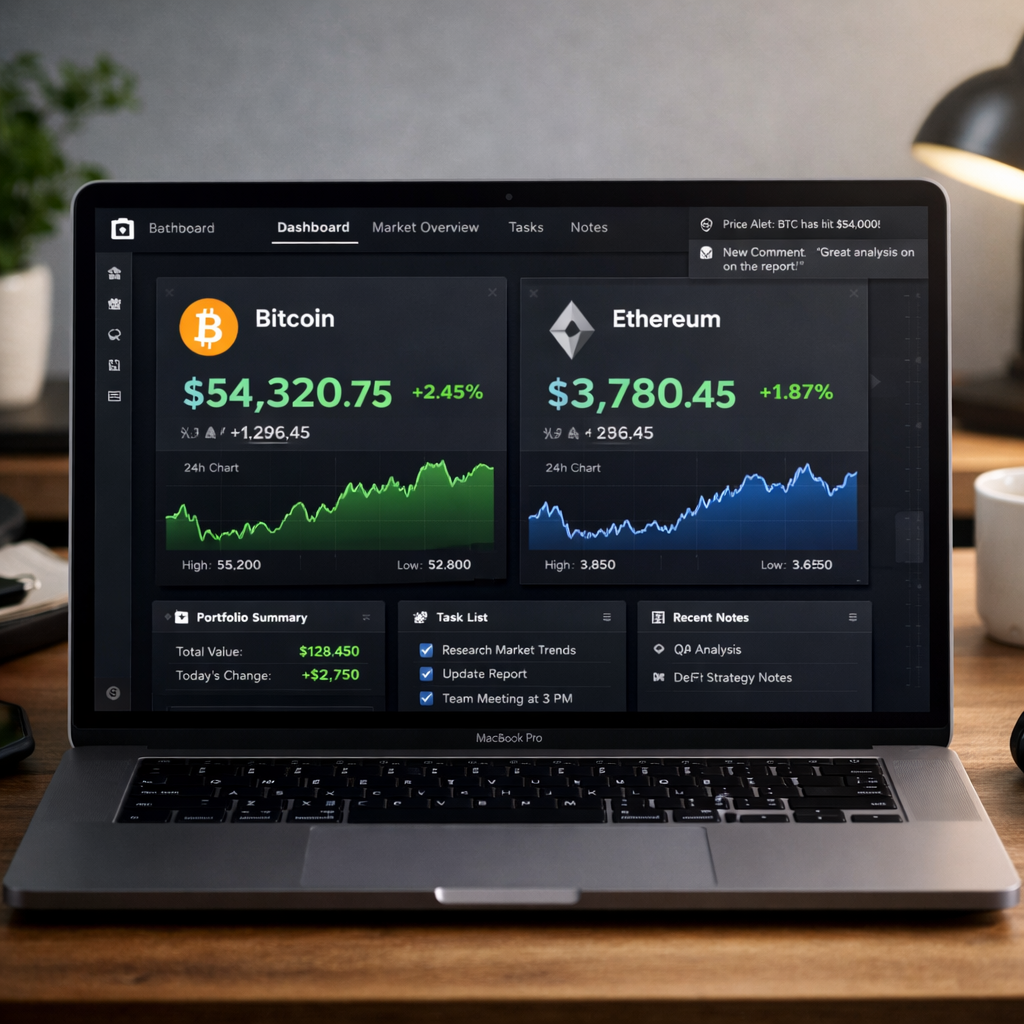
Tired of juggling multiple apps and spreadsheets to monitor your crypto investments? Discover how to build a sleek, automated crypto portfolio tracker in Notion using real-time data — no coding required.
Why Use Notion for Crypto Portfolio Tracking?
With Bitcoin showing extreme volatility — like the recent $140 billion market-cap swing reported on CryptoSlate — it has never been more crucial to track your investments in real-time. Notion, combined with tools like Notion and CoinGecko API, can help you stay on top of price actions, coin allocations, and performance — all in one customizable dashboard.
What You’ll Learn in This Guide
- Create a crypto portfolio tracker in Notion from scratch
- Pull real-time data using CoinGecko API + Google Sheets
- Integrate Google Sheets with Notion automatically
- Visualize profit/loss, allocations, and price trends
Step 1: Set Up Your Notion Portfolio Template
First, create a new page in Notion. Use the Table database format and structure it with the following columns:
- Coin (text)
- Symbol (text)
- Amount Held (number)
- Current Price (USD) (number)
- Total Value (formula: Amount Held * Current Price)
- Buy Price (number)
- Profit/Loss (formula: (Current Price – Buy Price) * Amount Held)
Label the database as Crypto Portfolio.
Step 2: Get Real-Time Crypto Prices in Google Sheets
Head to CoinGecko’s free API for real-time market data.
Use this endpoint for simple price data:
https://api.coingecko.com/api/v3/simple/price?ids=bitcoin,ethereum,solana&vs_currencies=usdNow, in Google Sheets, set up the following:
- Go to Extensions → Apps Script
- Paste the following script:
function getCryptoPrices() {
  var url = "https://api.coingecko.com/api/v3/simple/price?ids=bitcoin,ethereum,solana&vs_currencies=usd";
  var response = UrlFetchApp.fetch(url);
  var json = JSON.parse(response.getContentText());
  var sheet = SpreadsheetApp.getActiveSpreadsheet().getSheetByName("Prices");
  sheet.getRange("A2").setValue(json.bitcoin.usd);
  sheet.getRange("B2").setValue(json.ethereum.usd);
  sheet.getRange("C2").setValue(json.solana.usd);
}- Create a new sheet named Prices and add headers: Bitcoin, Ethereum, Solana
- Set a time trigger to run the function every 15 minutes
*Pro Tip: Use CoinGecko’s coin ID list to find the right names for other coins.
Step 3: Connect Google Sheets to Notion
Use a third-party tool like Automate.io or Zapier to sync your Google Sheet with Notion.
Here’s how to do it with Zapier:
- Sign in to Zapier
- Choose Google Sheets → New Row or Cell Updated as the trigger
- Select Notion → Update Database Item as the action
- Map the updated price data to the Current Price field in Notion
*Bonus: Set up conditional formatting in Sheets to highlight price drops or gains by more than 5%!
Step 4: Automate Profit/Loss Calculations in Notion
Notion supports basic formulas. Create a formula column to calculate your P/L in real time:
(prop("Current Price (USD)") - prop("Buy Price")) * prop("Amount Held")You can also create a % gain/loss with:
((prop("Current Price (USD)") - prop("Buy Price")) / prop("Buy Price")) * 100Step 5: Add Visuals and Filters
Use Notion’s built-in Board, Gallery, or Timeline views to visualize your assets by category (e.g., Layer 1s, Meme Coins, DeFi). Add filters to view:
- Top-performing assets
- Underwater positions
- Realized profits (if sold)
*You can also integrate charts from Google Sheets into Notion via embed blocks.
Optional: Add On-Chain Metrics or News Feeds
Want to track on-chain metrics like active addresses or TVL? Use tools like:
- Dune Analytics → Dashboard embeds
- Token Terminal → On-chain revenue, fees, etc.
- CryptoSlate → RSS feeds into Notion
Step 6: Set Notifications for Price Alerts
Use IFTTT or Zapier to trigger email, Slack, or SMS alerts when a coin hits your target price.
Example:
- Trigger: Google Sheet cell BTC price ≥ $93,000
- Action: Send notification: “🚨 BTC has hit the supply wall at $93K!”
Conclusion: Take Control of Your Crypto Strategy
With Bitcoin’s wild swings and assets like Hyperliquid’s HYPE token fluctuating rapidly (see article), tracking your investments is not optional — it’s essential.
Building a crypto tracker in Notion isn’t just a productivity boost — it’s a strategic edge. You’ll be able to:
- React faster to market moves
- Visualize growth and risk
- Make data-backed decisions
Ready to Build Yours?
👉 Start your free Notion account now and follow the steps above
🎁 Want the free Notion + Google Sheet template? Click here to download it




