

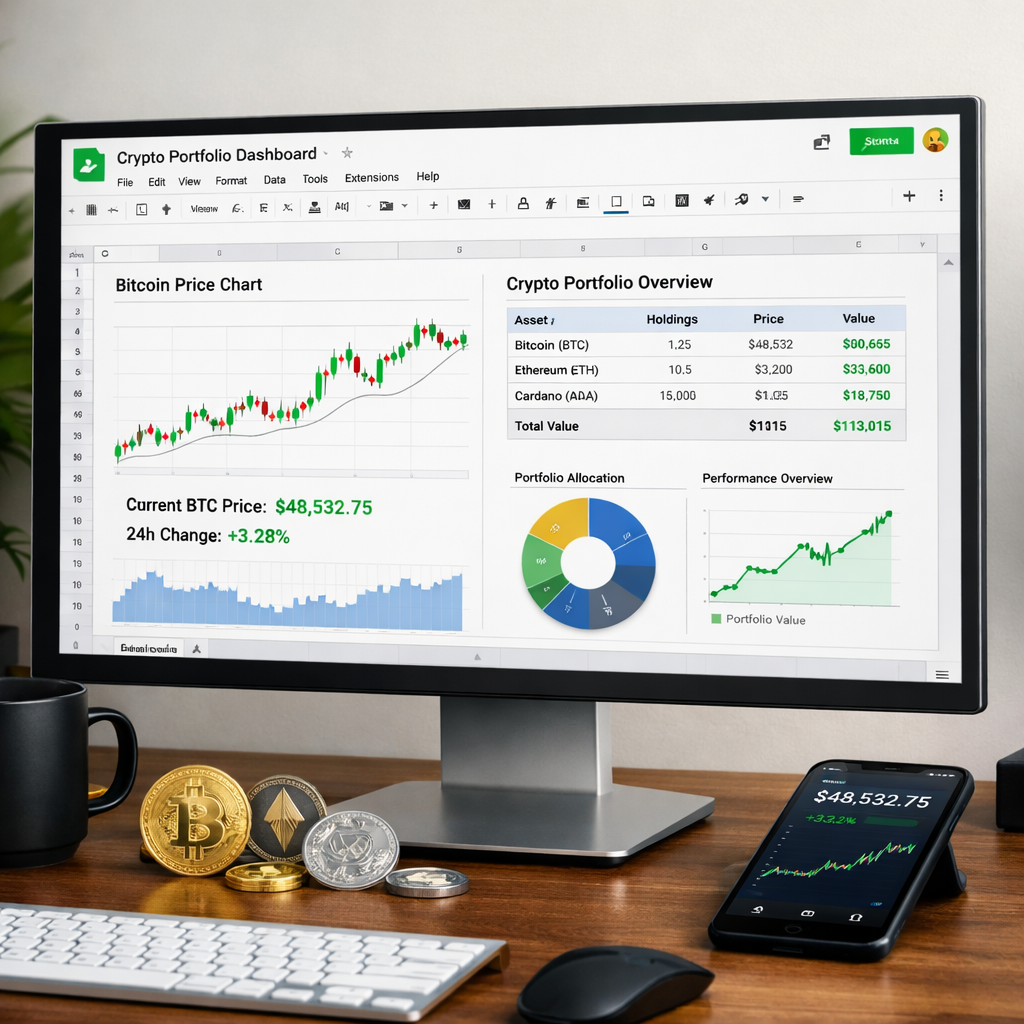
With volatile price swings, institutional buy-ins, and macroeconomic shifts, tracking your Bitcoin investments in real time has never been more critical. Learn how to build your own dynamic Bitcoin portfolio tracker using free tools and live data in Google Sheets.
Why You Need a Bitcoin Tracker in 2026
As Bitcoin rebounds from an 11% weekend dump and reacts to events like Binance’s $1B Bitcoin commitment, smart investors are shifting away from passive HODLing and toward active portfolio monitoring. Institutions, retail traders, and even treasury-backed firms are focusing on dashboard visibility to stay ahead of macro trends like the “Bye America” trade.
What You’ll Build
By the end of this guide, you’ll have a fully functional, auto-updating Bitcoin investment tracker that pulls real-time prices, calculates gains or losses, and visualizes your portfolio performance — all in Google Sheets.
Step 1: Set Up a New Google Sheet
- Go to Google Sheets and create a new blank spreadsheet.
- Name it something like “Bitcoin Portfolio Tracker 2026.”
Step 2: Lay Out Your Portfolio Fields
Create the following column headers in row 1:
- Asset (e.g., BTC)
- Amount (How much you own)
- Purchase Price (What you paid)
- Current Price (Live data)
- Total Value (Amount × Current Price)
- Gain/Loss ($)
- Gain/Loss (%)
Step 3: Use GoogleFinance for Live BTC Price (With a Workaround)
Unfortunately, =GOOGLEFINANCE("BTCUSD") no longer works reliably due to API limitations. Instead, use IMPORTJSON via Apps Script:
- Click Extensions → Apps Script.
- Paste the following script:
- Click the disk icon to save. Name the project “ImportJSON”.
function IMPORTJSON(url) {
  var response = UrlFetchApp.fetch(url);
  var json = response.getContentText();
  var data = JSON.parse(json);
  return [[data["bitcoin"]["usd"]]];
}Now, back in your sheet, enter this in the Current Price column (D2):
=IMPORTJSON("https://api.coingecko.com/api/v3/simple/price?ids=bitcoin&vs_currencies=usd")Note: This pulls live BTC/USD data from CoinGecko.
Step 4: Calculate Portfolio Value and Performance
- Total Value:
=B2*D2 - Gain/Loss ($):
=(D2-C2)*B2 - Gain/Loss (%):
=((D2-C2)/C2)*100
Copy these formulas down your rows if you hold multiple assets.
Step 5: Add Conditional Formatting
Highlight gain/loss cells and apply color rules:
- Green for positive gains
- Red for losses
Use: Format → Conditional formatting
Step 6: Add a Simple Line Chart
Want to visualize your portfolio value over time? Add a tab called “History” and create a time-based log:
- In column A, use:
=NOW() - In column B:
=YourTotalValueCell - Use an Apps Script to append a new row daily.
Learn how with this tutorial: Ben Collins: Time-Based Triggers
Step 7: Make It Mobile-Friendly
Install the Google Sheets mobile app to view your tracker on the go.
Pin the sheet to your home screen for instant access.
Step 8: Add Alerts (Optional)
Want to get alerted when BTC hits a certain price? Use Google Apps Script Email Trigger:
Example:
function priceAlert() {
  var sheet = SpreadsheetApp.getActiveSpreadsheet().getActiveSheet();
  var price = sheet.getRange("D2").getValue();
  if (price < 65000) {
    MailApp.sendEmail("youremail@example.com", "BTC Alert", "Bitcoin is under $65,000!");
  }
}
Set it to run on a time-based trigger (daily or hourly).
Step 9: Bonus — Track News That Affects Price
Add a tab called “News Feed” and use:
=IMPORTFEED("https://cryptoslate.com/feed/")This automatically imports the latest headlines from CryptoSlate so you can spot catalysts like:
Final Thoughts
Building your own tracker puts you in control of your financial data and lets you act quickly when market conditions shift. Whether it’s reacting to Binance’s Bitcoin buy or Ethereum’s treasury-like staking shift, knowledge is power—and automation is speed.
📣 Ready to Level Up?
Want to track more assets like ETH, LTC, or ADA? Extend your tracker by adding multiple rows and tweaking the CoinGecko API query.
🚀 Bonus CTA: Automate Daily Portfolio Reports
Get a daily email with your portfolio status by building an Apps Script that emails you the summary. Learn how here.
Stay ahead of the markets. Build smarter tools. Bitcoin is evolving — and so should your strategy.




