

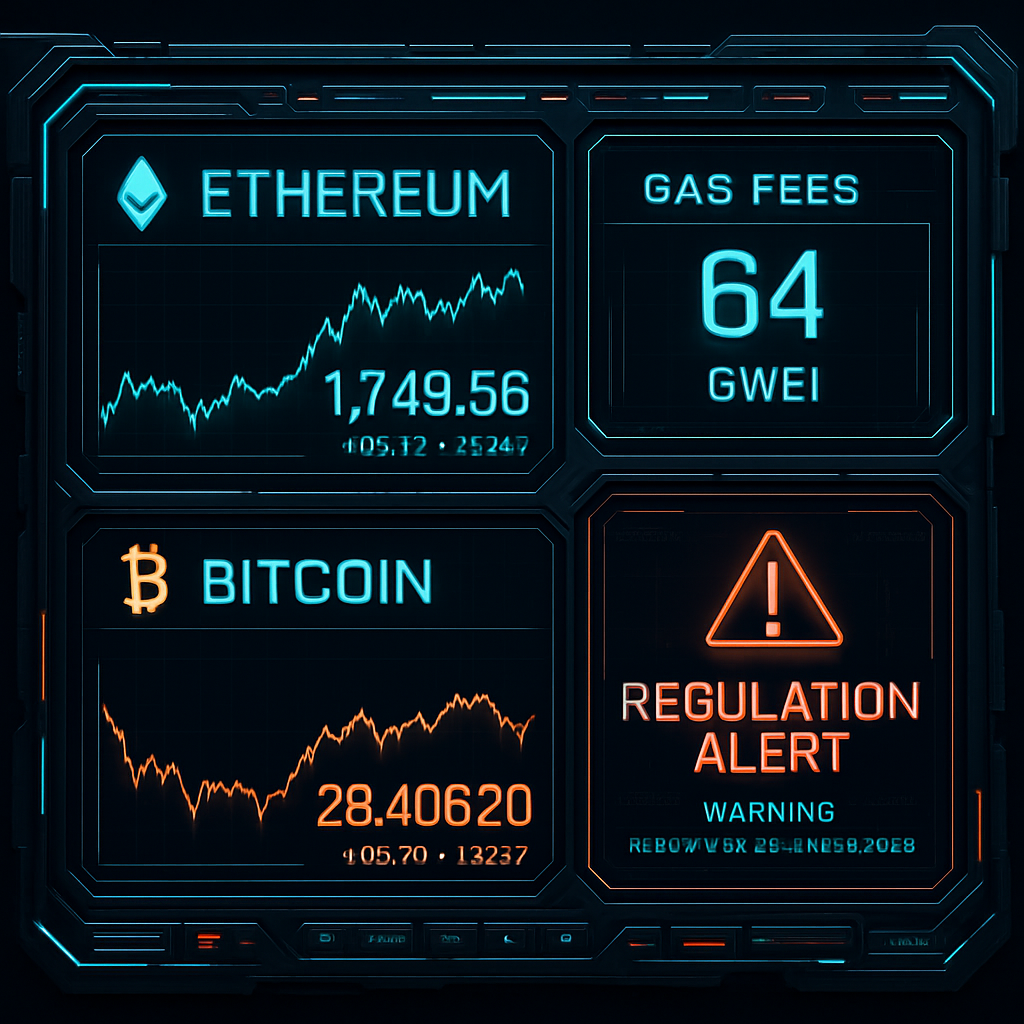
With rising market manipulation, fragmented venues, and tightening regulations, crypto traders need a unified, real-time dashboard. Here’s how to build your own—step-by-step.
Why a Custom Crypto Dashboard Matters in 2026
From sudden Bitcoin dumps to the Clarity Act’s regulatory shakeups, the crypto landscape in 2026 is more volatile—and complex—than ever. Traders and investors can no longer rely on a single source of information. Building a personal crypto dashboard empowers you to:
- Track real-time prices and volume across multiple exchanges
- Monitor on-chain sentiment and whale movements
- Stay informed on regulations that affect your jurisdiction
What You’ll Build
By the end of this guide, you’ll have a live dashboard that includes:
- BTC, ETH, and euro stablecoin price feeds
- Ethereum gas fees and roadmap updates
- Alerts for regulatory changes and institutional trades
Step 1: Choose Your Framework
To keep things flexible and extendable, we’ll use Node.js with React for the front end and Express for the backend API service.
Requirements:
- Node.js installed (Download here)
- Basic knowledge of JavaScript and Git
Use the following to bootstrap your app:
npx create-react-app crypto-dashboard
cd crypto-dashboard
npm install axios recharts dotenv express
Step 2: Fetch Market Data from APIs
You’ll need live data sources. Here are three essential ones:
- CoinGecko API for BTC, ETH, EUR stablecoin prices
- Glassnode or Santiment for on-chain data (free tier available)
- CryptoSlate RSS or Twitter API for news from trusted sources
Add a service file: src/services/marketData.js
import axios from 'axios';

export const getCryptoPrices = async () => {
  const url = 'https://api.coingecko.com/api/v3/simple/price?ids=bitcoin,ethereum,tether-eurt&vs_currencies=usd,eur';
  const response = await axios.get(url);
  return response.data;
};
Step 3: Display Prices on Your Dashboard
Edit App.js to display the data dynamically:
import React, { useEffect, useState } from 'react';
import { getCryptoPrices } from './services/marketData';
function App() {
const [prices, setPrices] = useState(null);
useEffect(() => {
getCryptoPrices().then(setPrices);
}, []);
return (
Crypto Dashboard
{prices ? (
- BTC: ${prices.bitcoin.usd}
- ETH: ${prices.ethereum.usd}
- EURT: ${prices['tether-eurt'].eur}
) : Loading...
}
);
}
export default App;Step 4: Add Ethereum Gas and Vitalik’s Updates
Ethereum’s roadmap can shape market sentiment. Track gas fees and updates:
- Use Etherscan API for gas price
- Scrape Vitalik’s posts using RSS or Twitter API
Sample gas fetch:
const getGasFees = async () => {
  const url = `https://api.etherscan.io/api?module=gastracker&action=gasoracle&apikey=YourAPIKey`;
  const response = await axios.get(url);
  return response.data.result;
};
Step 5: Integrate Regulation Alerts
To monitor legal risks like the Clarity Act, automate alerts using:
- NewsAPI or CryptoSlate RSS
- IFTTT or Zapier for email/SMS alerts
Example Zapier workflow:
- Trigger: New article on CryptoSlate with tag “regulation”
- Action: Send a Slack or Gmail alert
💡 Pro Tip: Include this in your backend API and store alert history in MongoDB or SQLite for compliance review.
Step 6: Visualize Everything
Install Recharts to show real-time price trends and volume spikes.
npm install rechartsExample usage:
Step 7: Deploy and Automate Updates
Use Vercel or Render to host your app.
- Automate builds with GitHub Actions
- Schedule API refreshes every 60 seconds using CRON jobs or setInterval
Bonus Step: Add Whale Alert Notifications
Integrate Whale Alert API to catch suspicious BTC or ETH transfers like the Wintermute dump.
CTA #1: Want a pre-built template of this dashboard? Download the GitHub repo here and deploy in 5 minutes!
Conclusion: Empower Your Crypto Strategy
In today’s fragmented, ideologically divided, and regulation-heavy crypto world, building your own dashboard is no longer optional. It’s a core part of risk management and strategic edge.
CTA #2: Subscribe to our newsletter for weekly crypto automation tutorials, regulatory updates, and open-source tools.




