
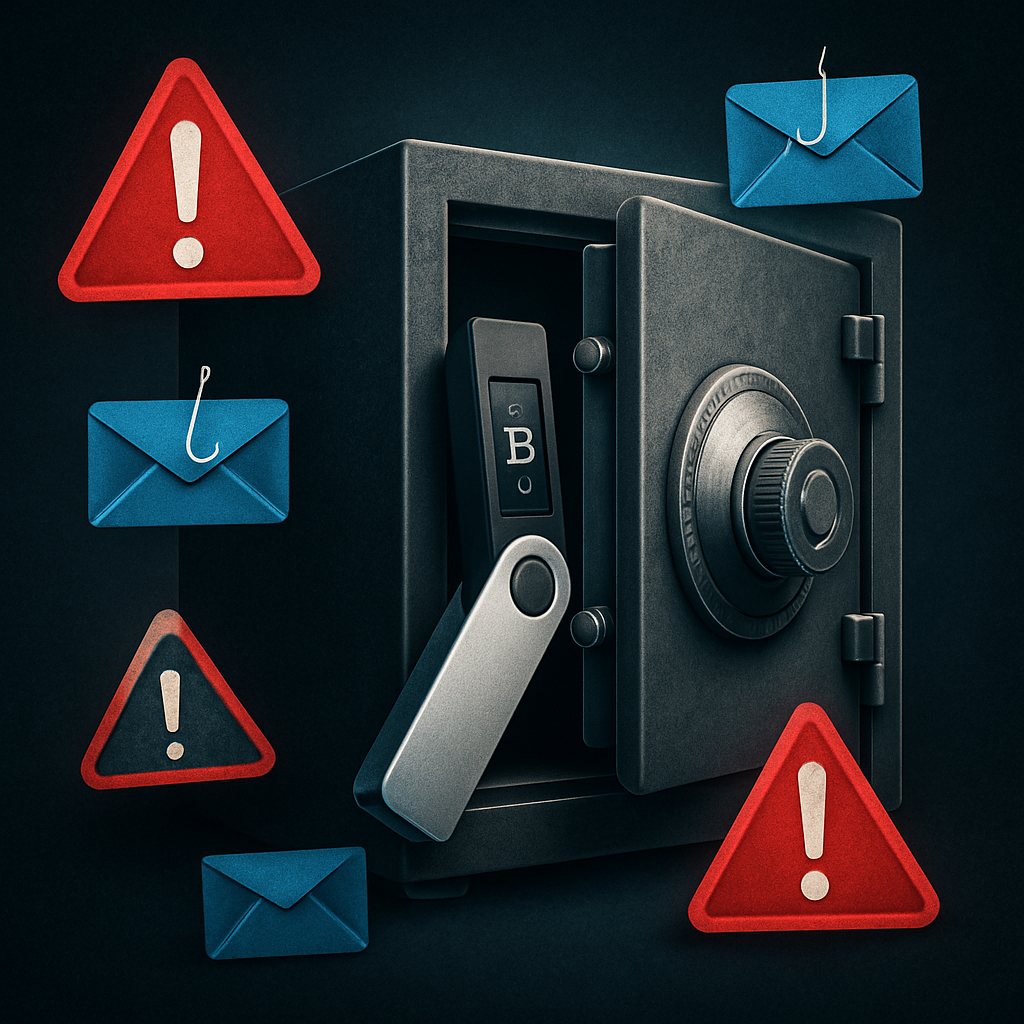

A wallet breach doesn’t need to empty your crypto to ruin your life — exposed data can lead criminals right to your door. Learn how to secure your assets and your identity.
Why Crypto Wallet Security Is More Important Than Ever
Recent events have once again reminded crypto users that asset security is more than just protecting private keys. In January 2026, Ledger confirmed that a breach at its payment partner, Global-e, exposed personal customer information. No crypto was stolen — but name, email, and address data was leaked, putting users at risk of identity theft, phishing, and even physical attacks.
Meanwhile, rumors swirled about Kraken’s alleged admin panel leak, which the exchange has officially denied. Nevertheless, the fear of private data leaks and phishing attempts remains very real.
Bottom line? If you’re serious about crypto, you need a security strategy that goes beyond just holding your keys offline.
Types of Crypto Wallets: Know What You’re Using
Before diving into best practices, let’s review the main types of crypto wallets:
- Hardware Wallets (Cold Wallets) – Physical devices like the Ledger Nano X or Trezor Model T. Keys never leave the device. Best for long-term storage.
- Software Wallets – Apps like Electrum (desktop) or Exodus (mobile/desktop). Convenient but more vulnerable to malware.
- Web Wallets – Browser-based wallets like MetaMask. Great for DeFi, but exposed to phishing and browser exploits.
- Custodial Wallets – Exchanges like Binance or Coinbase store your keys. Easy to use, but you don’t control your crypto.
Best Practices for Wallet Security in 2026
1. Use a Hardware Wallet for Serious Holdings
Hardware wallets are your first line of defense against remote attacks. They keep your keys offline and immune to typical viruses or phishing attacks. Recommended devices:
- Ledger Nano X – Bluetooth-enabled, supports 5,500+ coins. Just beware of phishing emails claiming to be from Ledger!
- Trezor Model T – Open-source, touchscreen, highly secure.
2. NEVER Share or Store Your Seed Phrase Online
Your seed phrase (also called a recovery phrase) is the master key to your wallet. If someone gets it, they can drain your funds — even from across the globe. Follow these tips:
- Write it down by hand and store it in a safe or bank deposit box.
- Never take a photo of it or upload it to cloud storage.
- Consider using a metal backup like CryptoSteel or Hodlinox for fire and water resistance.
3. Use a Burner Email Address When Ordering Hardware Wallets
As seen in the Ledger/Global-e breach, exposing your name and address can make you a target. Do this instead:
- Create a dedicated email just for wallet ordering.
- Use a pseudonym and a PO box if you’re ordering to your home.
- Consider using privacy-first payment methods like Monero or gift cards where possible.
Protecting Yourself from Phishing and Social Engineering
Most attacks don’t happen via brute force — they happen because someone tricks you. Phishing and impersonation attacks are rampant, especially after breaches like Ledger’s. Here’s how to defend yourself:
1. Don’t Click Blind Links
Always verify the source before clicking. Bookmark legitimate wallet sites like:
2. Use Anti-Phishing Words in Wallet Apps
Wallets like MetaMask allow you to set a custom anti-phishing word shown in emails and dApp prompts. Set a unique word that only you know to quickly identify fakes.
3. Don’t Trust Telegram or Discord Messages
Scammers regularly pose as support staff. No legit project ever DMs you first. If someone asks for your seed phrase — they’re a scammer.
Advanced Security: Multi-Sig, Shamir Backup, and Air-Gapping
Serious about security? Step it up:
- Multi-Sig Wallets: Require multiple devices or people to sign a transaction. Tools: Gnosis Safe, Unchained.
- Shamir Backup: Split your seed into multiple parts using wallets like Trezor Model T. Recoverable with a threshold of parts.
- Air-Gapped Devices: Use a fully offline PC or phone to manage keys. Sign transactions offline and transfer via QR or SD card.
Securing Your Digital Identity
Crypto attackers often target your identity first. Here’s how to harden your digital footprint:
- Use Unique Passwords: Always use a password manager like Bitwarden or 1Password.
- Enable 2FA: Use TOTP apps like Authy or FreeOTP, never SMS.
- Use an Alias: Avoid disclosing your real name in public crypto forums or NFT Discords.
Remember: if someone knows you’re holding crypto, you could become a target offline too.
CTA: Want to Level Up Your Wallet Game?
Download our free PDF guide “The 2026 Crypto Wallet Safety Checklist” to go step-by-step through hardware, software, and decentralized wallet protection.
Final Tips: Security Is an Ongoing Practice
There’s no such thing as 100% security — but every layer you add makes you a harder target. To recap:
- Use hardware wallets for long-term storage.
- Keep seed phrases offline and off your devices.
- Use burner emails and PO boxes to reduce identity exposure.
- Don’t trust anyone who asks for your keys. Ever.
- Stay up to date on breaches and phishing tactics.
CTA: Subscribe for Monthly Crypto Threat Reports
Stay ahead of the hacks. Join our free email list to get monthly crypto security updates and breach alerts. Click here to subscribe.
Stay safe. Stay sovereign.




0 Comments