
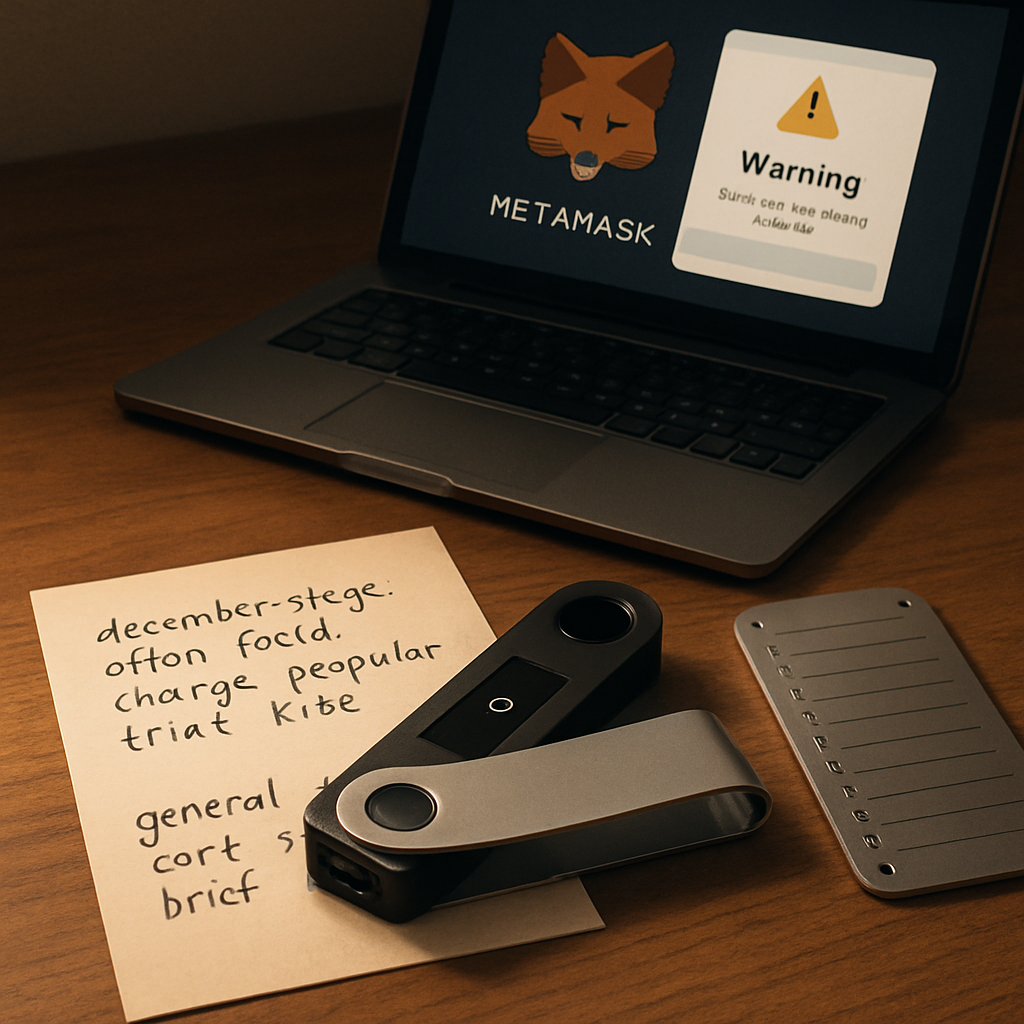

Your wallet is your key to financial freedom — but only if you control it. Learn how to secure your crypto the right way.
Why Wallet Security Matters More Than Ever in 2025
In light of the $14 million crypto scam exposed by the SEC, protecting your digital assets is not optional — it’s essential. Fake platforms and AI ‘investment clubs’ are on the rise, preying on users who don’t fully control their wallets or understand how to secure their private keys.
This guide breaks down everything you need to know to choose a secure crypto wallet, safeguard your private keys, and avoid becoming the next victim of a scam.
Types of Crypto Wallets: Know Your Options
There are three main categories of wallets you need to understand:
- Hardware Wallets (Cold Wallets): Devices like Trezor or Ledger that store your crypto offline for maximum security.
- Software Wallets (Hot Wallets): Apps like Exodus Wallet, MetaMask, or Trust Wallet that run on your phone or desktop.
- Custodial Wallets: Wallets provided by exchanges like Coinbase or Binance, where they control your private keys — not ideal for long-term storage.
Top 5 Crypto Wallets Reviewed (Based on 2025 Security Standards)
1. Ledger Nano X (Hardware)
- Pros: Bluetooth-enabled, supports 5,500+ coins, industry-standard security
- Cons: Initial setup can be intimidating for beginners
- Official Site 🔒
2. Trezor Model T (Hardware)
- Pros: Open-source firmware, touchscreen, PIN and passphrase protection
- Cons: Higher price point
- Buy Trezor
3. MetaMask (Software)
- Pros: Popular Ethereum/DeFi wallet, easy to use, browser extension
- Cons: Vulnerable to phishing if not properly secured
- Download MetaMask
4. Trust Wallet (Software)
- Pros: Multi-chain support, built-in DApp browser, mobile-friendly
- Cons: Limited desktop support
- Download Trust Wallet
5. SafePal S1 (Hardware)
- Pros: Affordable cold wallet, air-gapped security, DeFi support
- Cons: Interface less intuitive than Ledger or Trezor
- Explore SafePal
Private Key Protection: 7 Steps to Keep Hackers Out
Think of your private key as the master password to your crypto. If someone gets it, they have full access to your funds. Here’s how to protect it:
- Never store private keys or seed phrases digitally: No screenshots, no cloud backups, no text files.
- Use a hardware wallet: This keeps your keys offline and immune to phishing.
- Write down your seed phrase on paper and store it in a fireproof safe — or better yet, use a steel backup like CryptoSteel.
- Enable passphrases: Consider adding a 25th word for added protection (available on Trezor and Ledger).
- Use a VPN when interacting with your wallet online: It reduces your attack surface.
- Beware of phishing sites: Double-check URLs and bookmark official wallet pages.
- Test recovery process: Practice recovering a wallet using test funds so you’re ready if needed.
🔥 CTA #1: Don’t Risk It — Get a Hardware Wallet Today
Common Wallet Security Mistakes to Avoid
- Reusing passwords or using weak ones
- Storing seed phrases in cloud storage or email
- Clicking on unsolicited links or wallet upgrade prompts
- Connecting wallets to unknown DApps or NFT sites
- Using public Wi-Fi while accessing wallets
Multi-Sig Wallets: Advanced Security for Teams or Large Holders
If you’re managing a DAO, business treasury, or significant crypto holdings, consider using multi-signature (multi-sig) wallets like Safe (formerly Gnosis Safe). These require multiple people to approve transactions — reducing the risk of single-point failure.
How to Spot Scam Wallets or Platforms
The recent fake AI investment clubs charged by the SEC show how sophisticated scams are becoming. Red flags include:
- Promises of guaranteed high returns
- Pressure to fund a wallet or ‘activate’ with crypto
- No open-source code or unclear ownership
- Lack of verifiable reviews outside sponsored content
Always research wallets through trusted sources like CryptoSlate or CoinGecko.
Secure Your Wallet for the Long Run: Backup Strategies
Even the best wallet is useless if you lose access. Here’s how to plan for the long term:
- Split your seed phrase across multiple secure locations (aka Shamir Backup)
- Use a password manager with two-factor authentication for wallet credentials (e.g., Bitwarden)
- Tell a trusted person how to access your backup in case of emergencies
CTA #2: Want a Step-by-Step Wallet Setup Guide?
💡 Get the Free Wallet Security Blueprint
Final Thoughts: Own Your Keys, Own Your Future
The crypto landscape has changed. Big banks are entering the game (controlling Bitcoin’s infrastructure), and retail users face new risks from scams, data leaks, and faulty platforms.
But with the right wallet, good habits, and a secure backup plan, you can take control of your financial sovereignty.
Remember: Not your keys, not your crypto.



0 Comments